
Catalog Pantry Explorer ・ Chrome Side Panel
See productsin catalogcontext.
Go beyond a model-number list to see usage, relationships, and neighboring products. Connect an official product page to the catalog on your device and return to the relevant page.
 Available for Chrome 114 and later.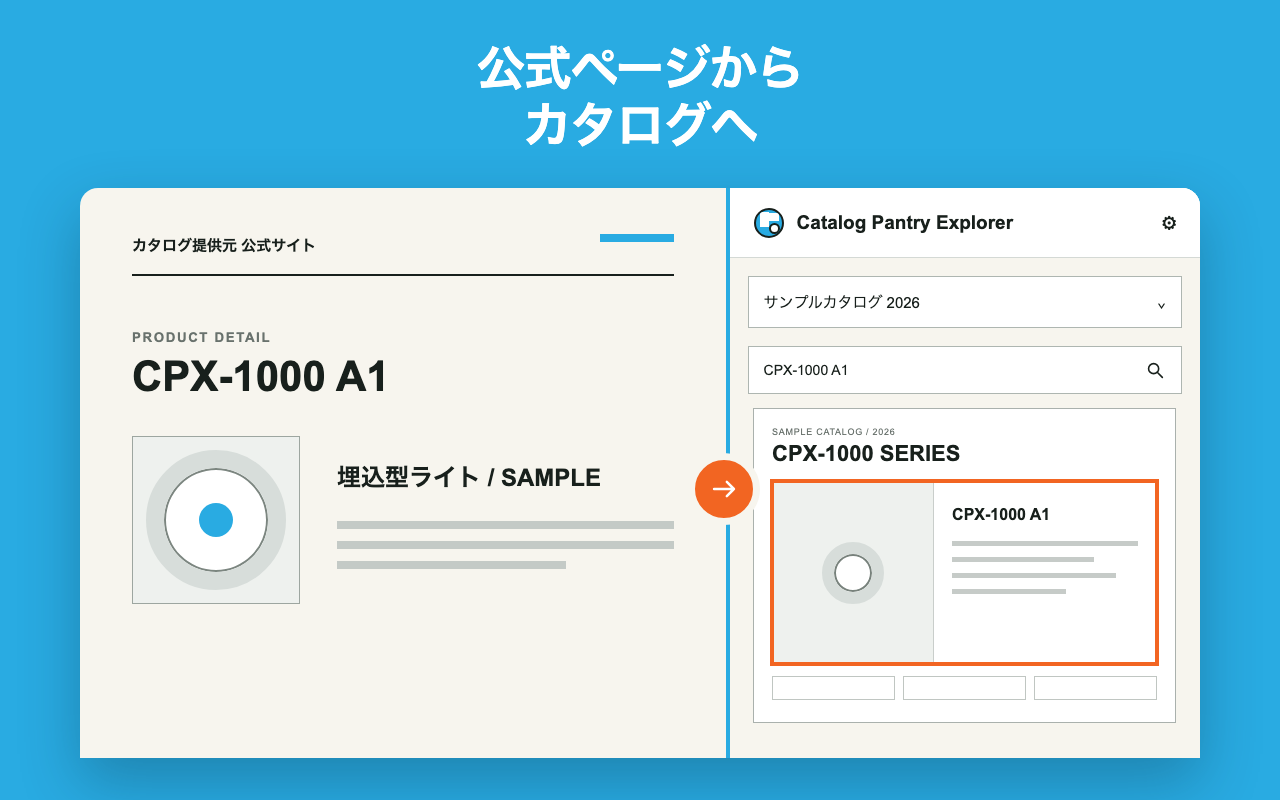
WHOLE PAGE ・ FOCUS ・ PAN
Keep the page in view, then move to the product.
This demo uses fictional products and catalogs to show whole-page view, product-position zoom, and panning. Open on YouTube
Product-location navigationAutomatic navigation from a model number to its product location is available only for supported catalogs provided by Catalog Pantry. User-added catalogs can be viewed and managed as PDFs.
WHY CATALOGS
What a listcannot show:catalog context.
Search results are an entry point. Open the catalog to see usage examples, variations, related information, and neighboring products on the same page. The spotlight and orange outline show the current location without hiding the surrounding context.

FIND ・ VIEW ・ KEEP
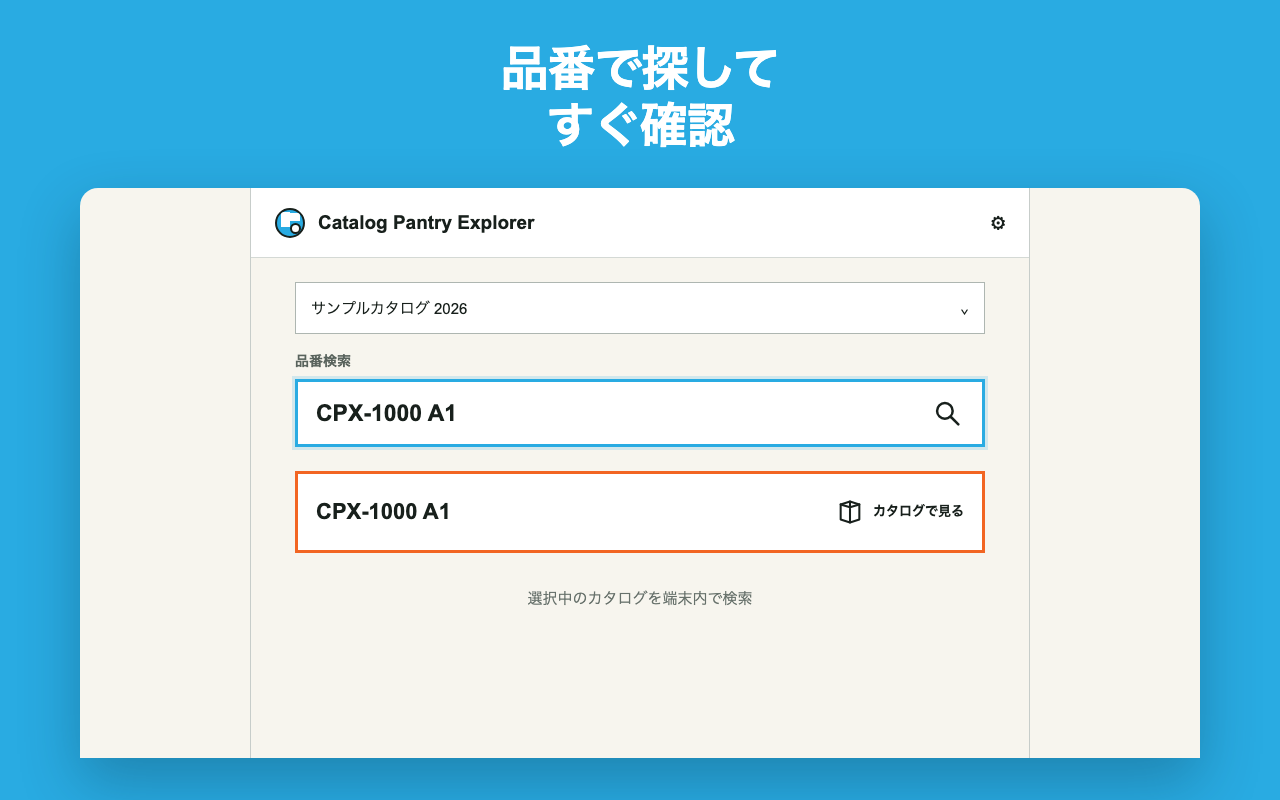
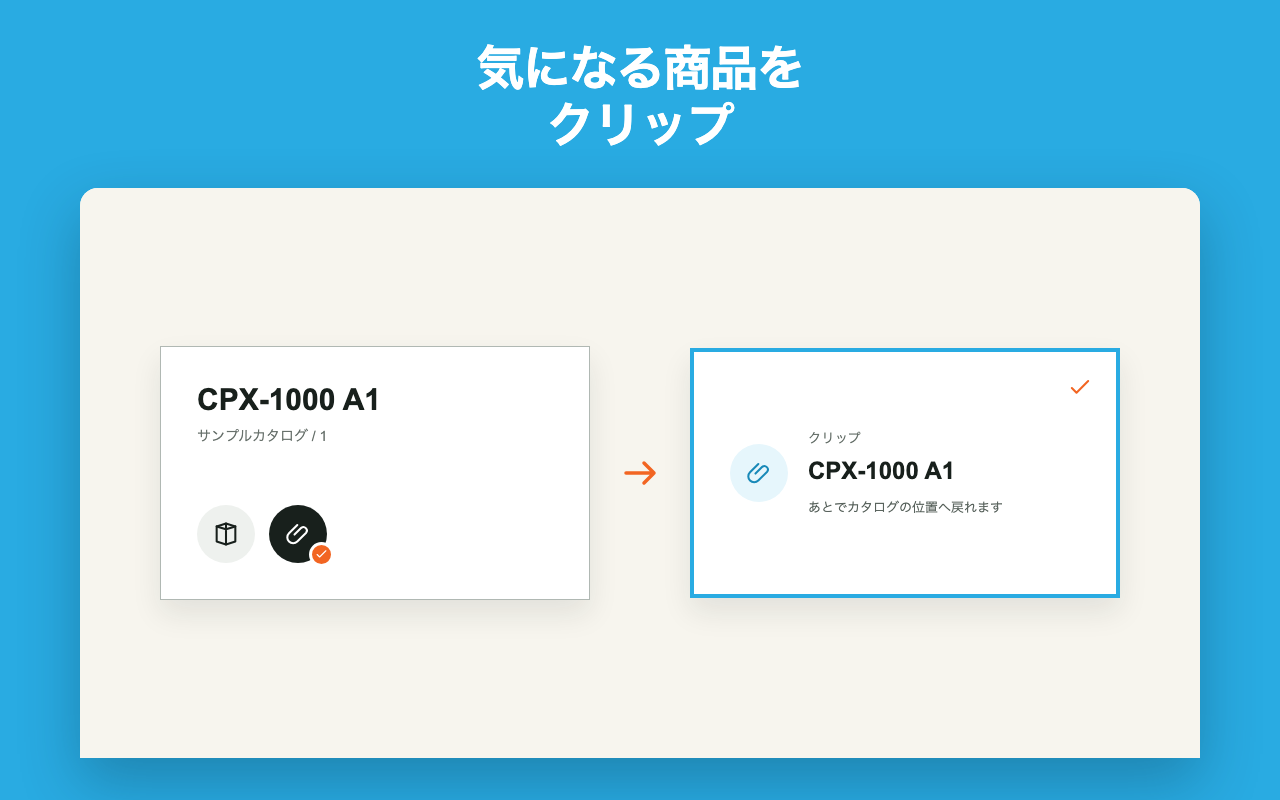
Find it. See the page. Return later.

LOCAL FIRST
PDFs, search, and records stay on your device.
The bundled PDFium WebAssembly processes the PDF you select. The original PDF, model searches, clips, history, and personal settings are not sent to the developer's server.
- Chrome 114+Side Panel support
- Required permissionsactiveTab / downloads / scripting / sidePanel / storage
- Optional accessOnly the public Registry and supported official catalog-provider hosts
- Explicit actions onlyNo background crawling or polling
- No guessingAn unknown product location is never guessed
Respect the catalog as the original source.
The extension does not guarantee product specifications, stock, price, successor products, illuminance, or suitability, and it does not guess unsupported locations. Catalog Pantry Explorer helps you search the catalog on your device and return to official information when needed.